Free AI Poster Generator from Text or Images
Describe the poster you need or upload a reference image. Img2.AI helps you create polished posters for products, events, brand announcements, social campaigns, education, and creative projects—then refine the text, layout, and size.
Create a Complete Poster Not Just an AI Image
Img2.AI creates a poster around your message—not just an image with empty space for text. Start with a brief or reference image, then refine the wording, visuals, composition, layout, and size for the channel where the poster will appear.
You do not have to begin with a fixed template. Describe what the poster needs to communicate, explore a visual direction, keep the elements that work, and edit the design before downloading a high-resolution version for digital use or printing.
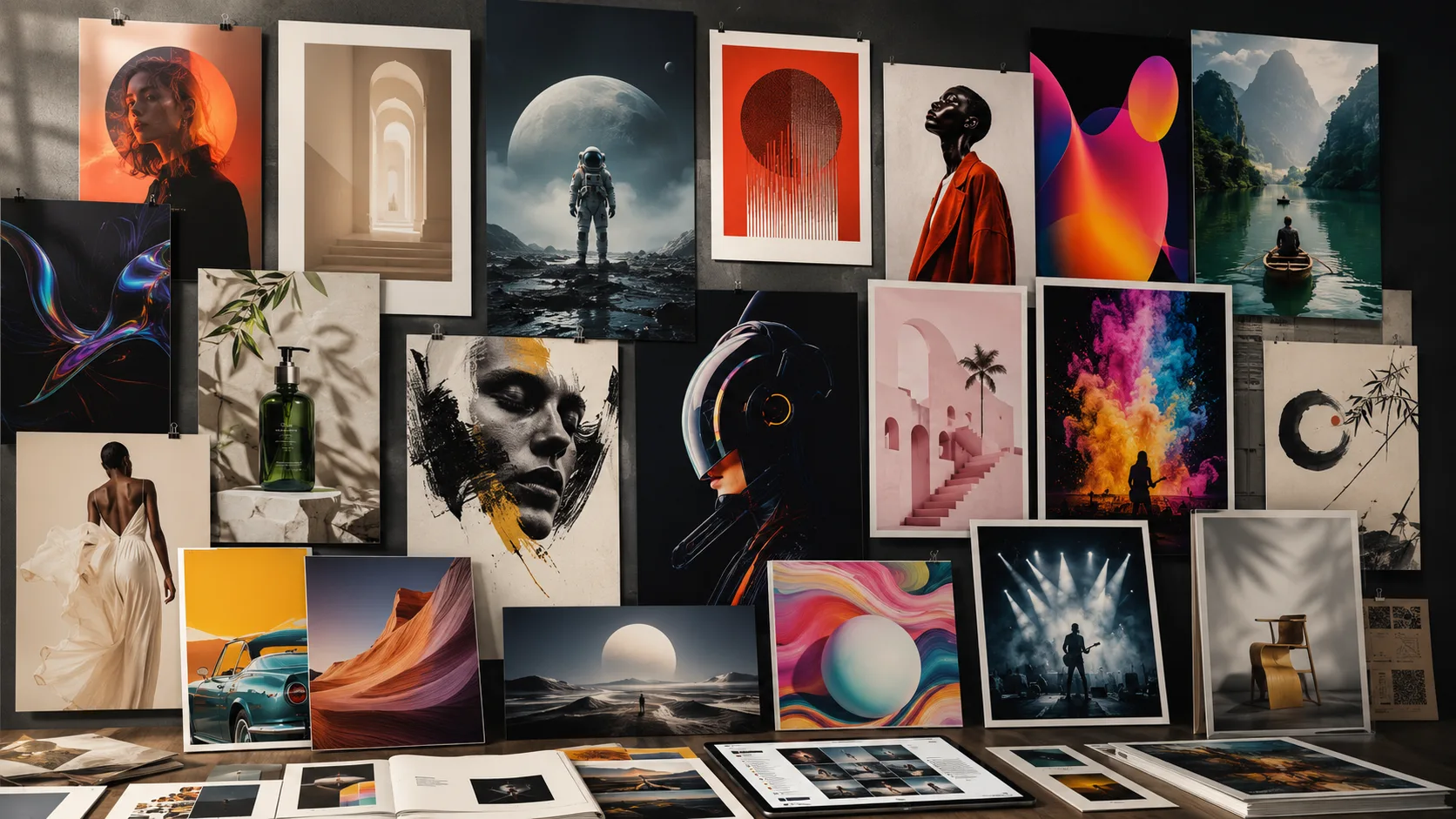
Why Create Posters with Img2.AI?
Start with Text, an Image, or Both
Begin with a written brief, upload a visual reference, or combine both. Use a product photo, logo, portrait, character, artwork, or existing design to guide the result.
Keep the Main Visual Consistent
Tell the AI which product details, brand elements, faces, characters, colors, or artistic qualities should remain recognizable in the new poster.
Edit the Message and Layout
Refine the poster's text, hierarchy, placement, and composition after generation so the final design communicates the right message.
Create for Different Channels
Adapt one poster direction for portrait, story, square, landscape, or custom formats across social media, ecommerce, events, and print.
Explore More Than One Direction
Generate alternative compositions, visual styles, and campaign directions without rebuilding the poster from the beginning.
Download in High Resolution
Export a high-resolution version for digital use or printing, then confirm the final production requirements before publishing or sending it to a printer.
What Posters Can You Create with AI?
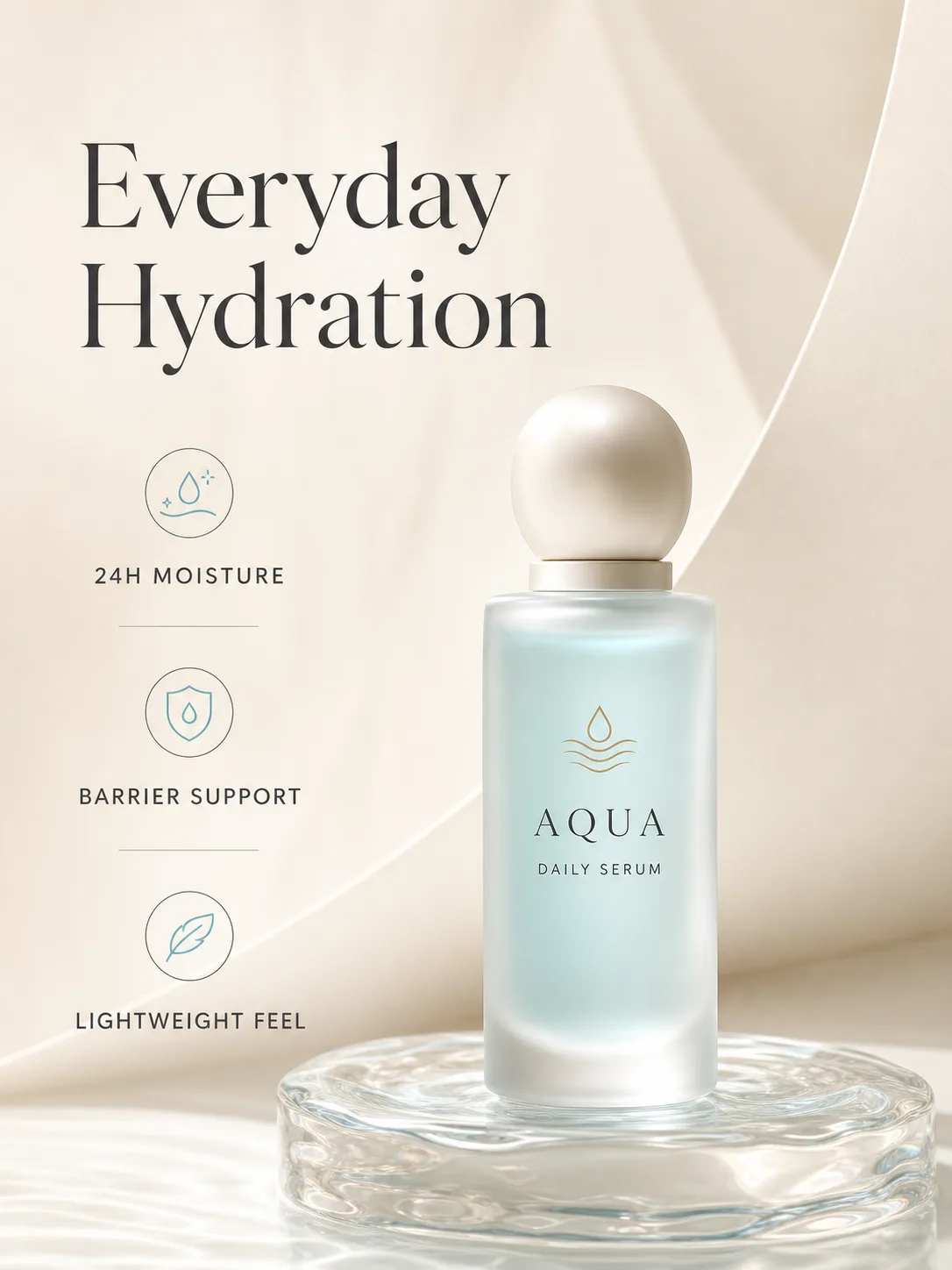
Prompt: Use the uploaded skincare product as the hero visual. Keep the bottle shape, label, logo, and colors unchanged. Create a premium 3:4 launch poster with soft studio lighting, a clean editorial background, the headline “Everyday Hydration,” and space for three short product benefits.
Product Promotion Posters
Reference Image · Product Details · Ecommerce Poster
Turn a supplied product image into a campaign-ready poster for launches, seasonal promotions, ecommerce sales, food and beverage campaigns, and retail advertising. Keep the product recognizable while adding a branded setting, headline, offer, and key selling points.
Tip: Recommended workflow: Use the product image as the visual anchor, then edit and verify the final product details, headline, offer, and brand elements.
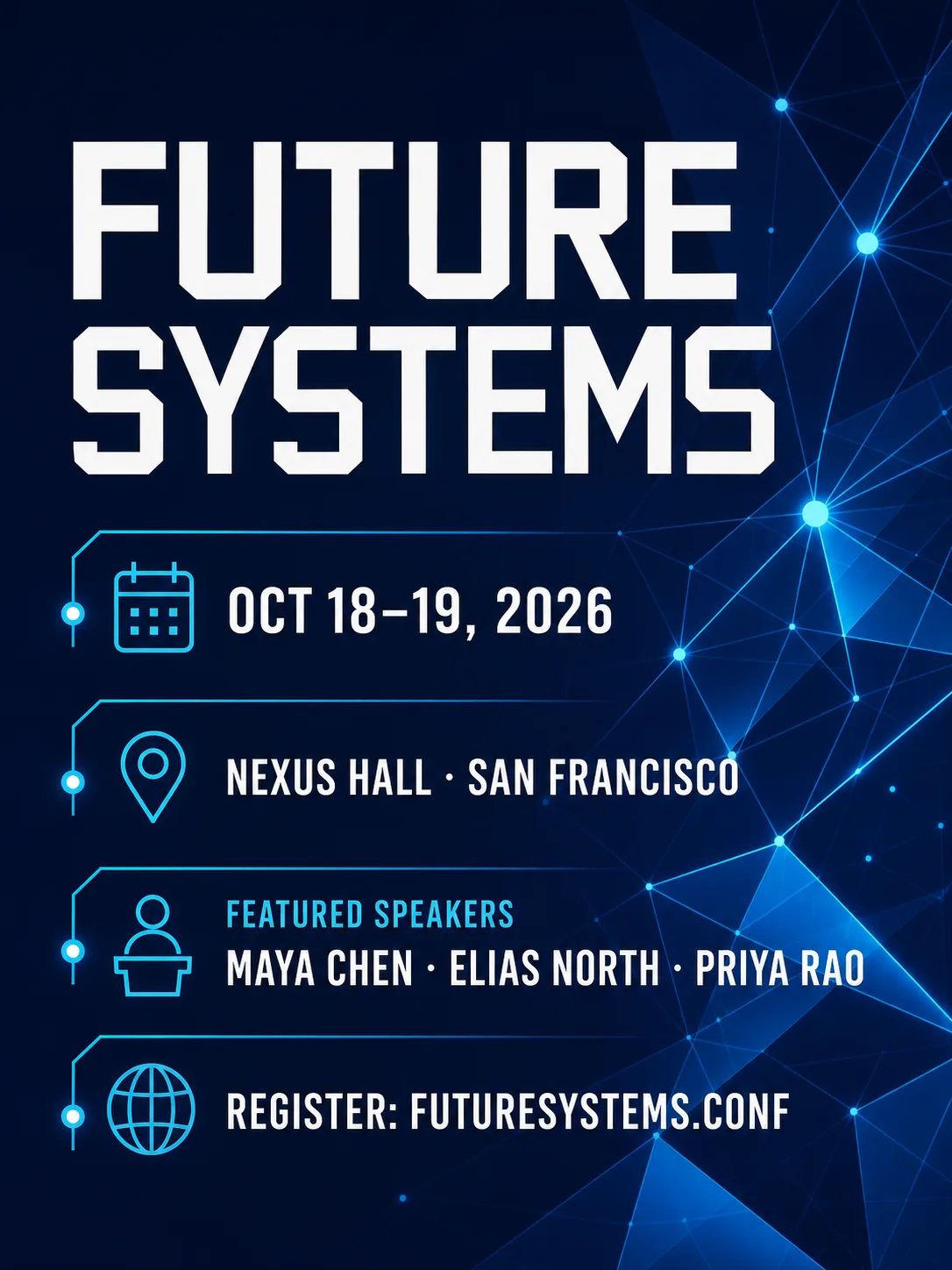
Prompt: Design a modern technology conference poster for “Future Systems.” Use deep blue and electric cyan, abstract network forms, bold geometric typography, and clearly separated areas for the date, venue, featured speakers, and registration URL.
Event and Announcement Posters
Text or Reference · Event Details · Event Poster
Create posters for conferences, graduations, festivals, workshops, concerts, anniversaries, and local events. Give dates, venues, speakers, ticket details, and registration information a clear visual hierarchy.
Tip: Recommended workflow: Generate the visual direction first, then refine the information hierarchy and proofread every final event detail.
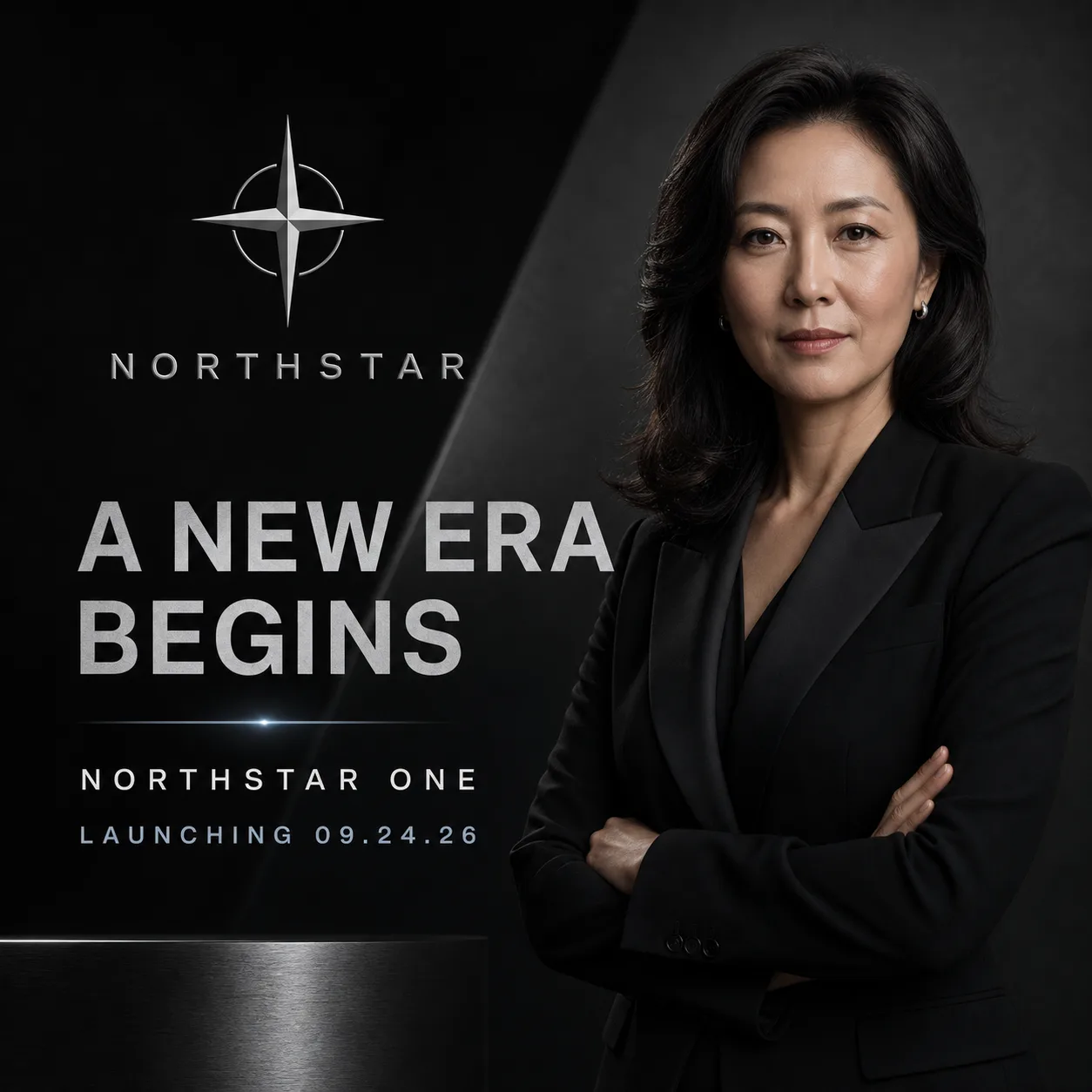
Prompt: Create a dark, premium launch announcement poster using the uploaded logos and spokesperson image. Use bold but restrained typography, a clear headline, and enough negative space for a mature corporate look. Format the design for a square social post.
Brand and Social Campaign Posters
Text or Reference · Brand Message · Social Poster
Turn a campaign message, product launch, partnership, company milestone, or internal announcement into a poster designed for social and digital channels. Use brand colors, logos, and editable text to keep the message consistent across placements.
Tip: Recommended workflow: Create the primary campaign design first, then adapt the text and dimensions for each channel.
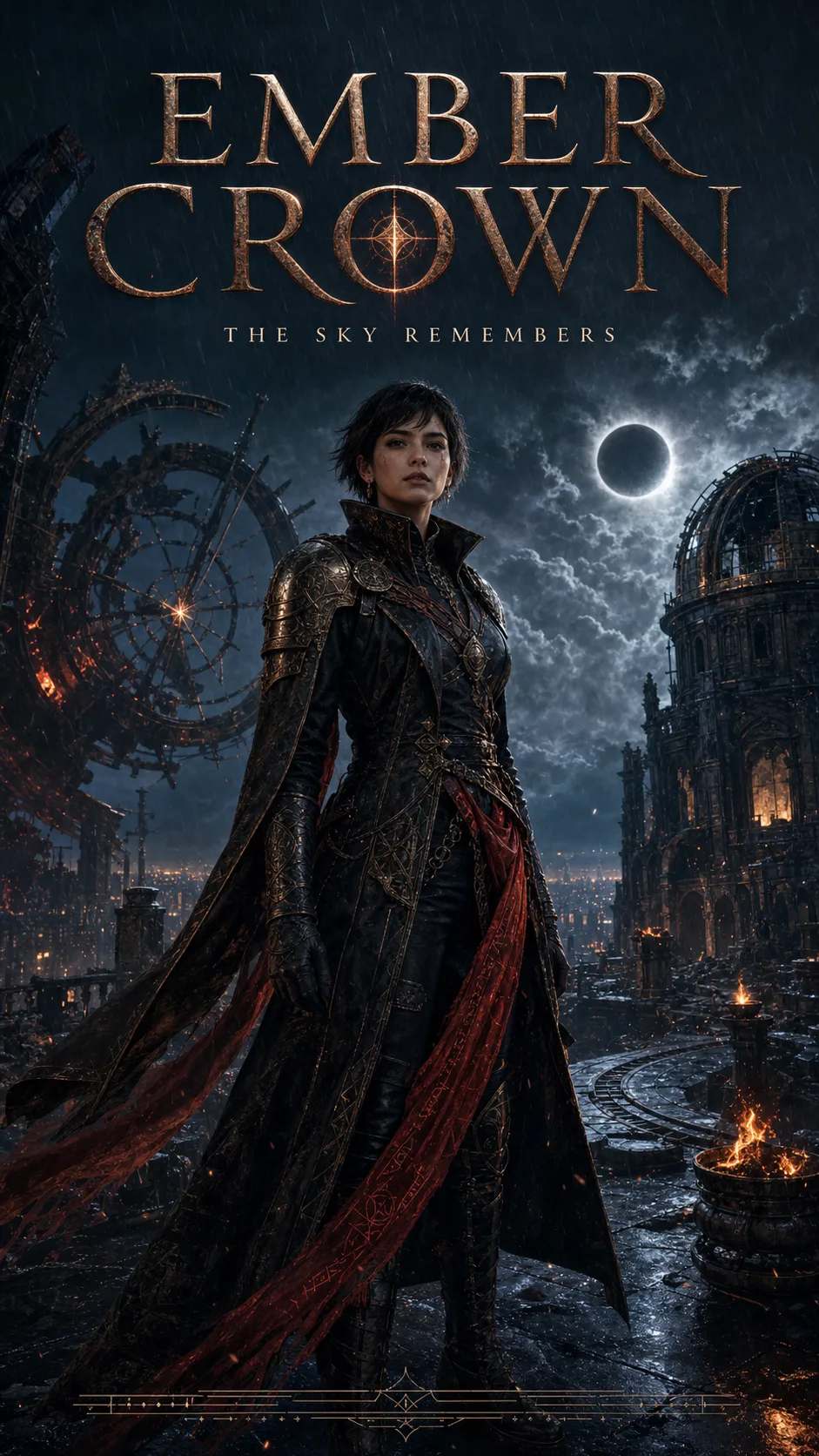
Prompt: Turn the uploaded character into a cinematic 9:16 movie poster. Preserve the character’s face and costume, add dramatic lighting and a story-driven environment, and leave space for the title and credits.
Music, Film, Game, and Creative Posters
Reference Image · Character or Artwork · Creative Poster
Create cinematic posters, album artwork, character visuals, game promotions, exhibition posters, and artwork-led designs. Build around an uploaded character or artwork while preserving the visual identity that makes it recognizable.
Tip: Recommended workflow: Upload the main character or artwork, describe what must remain unchanged, and generate alternative compositions around it.
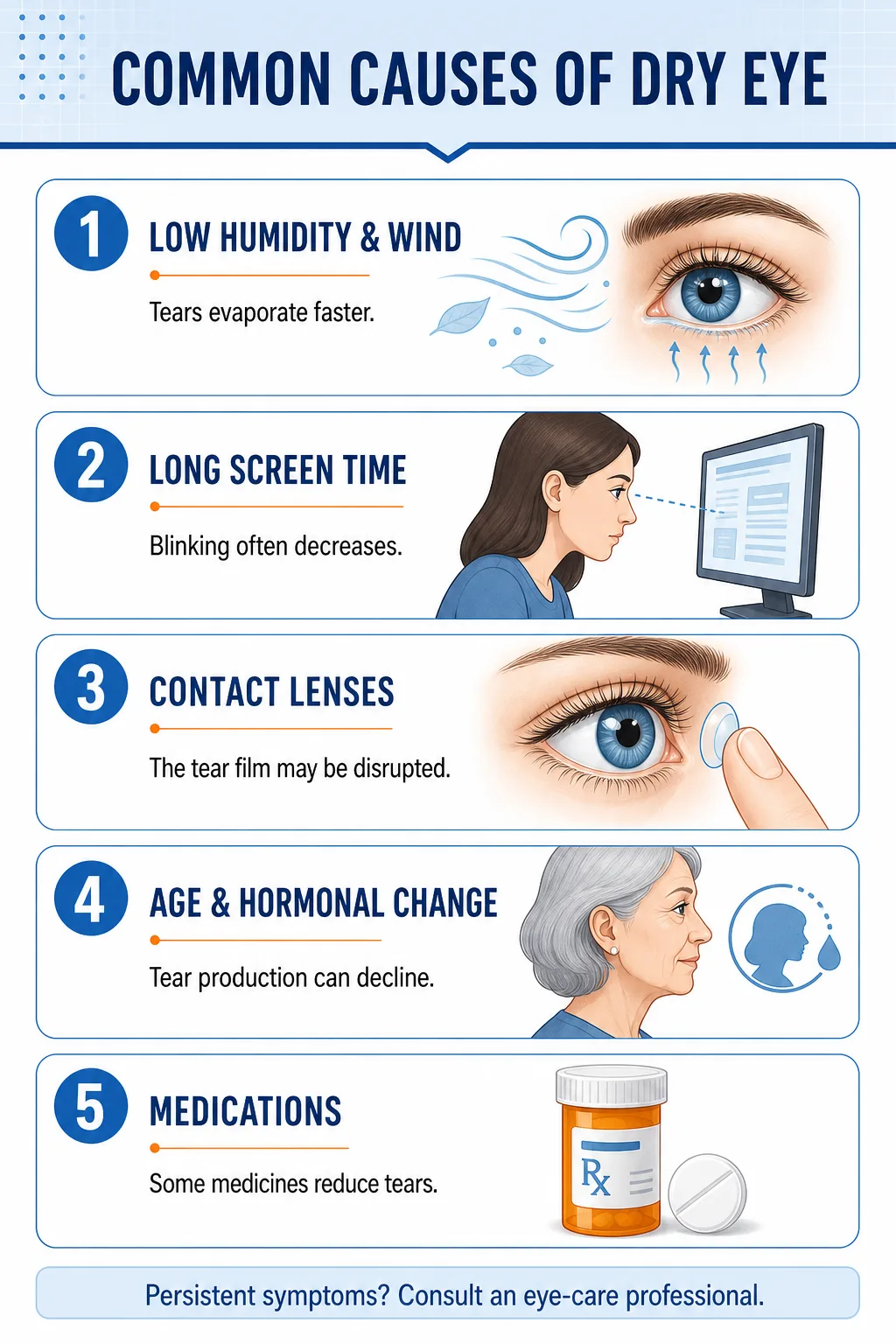
Prompt: Create a vertical educational infographic about common causes of dry eye. Use five clearly separated sections, medical-style illustrations, concise labels, and a clean blue-and-orange color palette.
Educational and Informational Posters
Text to Poster · Key Points · Informational Poster
Organize complex topics into educational posters, knowledge cards, visual guides, training notices, and public information graphics. Combine concise text, illustrations, data highlights, and modular sections to make information easier to scan.
Tip: Recommended workflow: Keep source text concise and fact-check every educational statement before sharing.
Choose the Right Poster Size for Every Channel
The best poster format depends on where people will see it. Choose the destination before generating so the visual hierarchy has room to work.
| Format | Best for |
|---|---|
| 3:4Portrait | Product promotions, general poster design, ecommerce campaigns, and print-oriented layouts |
| 9:16Vertical | Stories, mobile campaigns, digital signage, and full-screen social content |
| 1:1Square | Social posts, ecommerce graphics, brand announcements, and feed content |
| 16:9Landscape | Event screens, web banners, presentation displays, and horizontal campaign graphics |
| Custom SizeAny Ratio | Channel-specific placements, client requirements, and specialized print dimensions |
- 3:4Portrait
Product promotions, general poster design, ecommerce campaigns, and print-oriented layouts
- 9:16Vertical
Stories, mobile campaigns, digital signage, and full-screen social content
- 1:1Square
Social posts, ecommerce graphics, brand announcements, and feed content
- 16:9Landscape
Event screens, web banners, presentation displays, and horizontal campaign graphics
- Custom SizeAny Ratio
Channel-specific placements, client requirements, and specialized print dimensions
How to Write a Prompt for an AI Poster Generator
A useful poster prompt describes both the visual direction and the job the poster needs to do.
Poster Prompt Formula
Include these details when they matter:
- 1
Poster purpose: product launch, event, announcement, social campaign, education, or creative artwork.
- 2
Main subject: the product, person, character, object, or idea that should lead the composition.
- 3
Required text: headline, supporting copy, date, venue, price, offer, or call to action.
- 4
Visual direction: modern, cinematic, minimal, playful, luxury, retro, illustrated, or another defined style.
- 5
Composition: visual hierarchy, negative space, subject placement, text placement, and background.
- 6
Color direction: brand colors, mood, contrast, or a specific palette.
- 7
Format: portrait, story, square, landscape, print, or custom dimensions.
- 8
Reference rules: what must remain unchanged from an uploaded image.
Make a product poster.
No subject, no message, no format—the result is a guess.
Create a premium 3:4 launch poster using the uploaded running shoe as the main subject. Keep the shoe shape, logo, colors, and material details unchanged. Use dramatic studio lighting, a graphite background, subtle motion lines, and the headline “Built for the Next Mile.” Leave space for the price and launch date.
Subject, reference rules, style, headline, and layout space are all specified.
Copy-and-Edit Prompt Examples
Start from the closest scenario, then swap in your own subject, message, and format.
Product Promotion
Create a 3:4 ecommerce poster using the uploaded product photo. Preserve the product shape, label, logo, and colors. Add a clean lifestyle setting, a bold headline, and space for three short benefits and a call to action.
Event Announcement
Design a 9:16 event poster for a graduation ceremony. Use an elegant modern style and create a clear hierarchy for the event title, date, venue, and short celebratory message.
Brand and Social Campaign
Create a square social campaign poster using the uploaded logo and brand colors. Use a concise headline, strong typography, a focused hero visual, and enough negative space for the message to remain easy to scan.
Creative Poster
Transform the uploaded illustration into an exhibition-style poster. Preserve the original linework, brush texture, and main character. Add a bold title and rebuild the composition with balanced negative space.
Educational Poster
Turn the following key points into a vertical informational poster. Use a clear title, five modular sections, concise labels, simple supporting illustrations, and a readable high-contrast layout.
Generated text is not always exact. Proofread every headline, name, date, price, and URL in the editor before publishing.
Create Posters from Text, Images, or Existing Designs
- 01
Guide the Design with a Reference Image
Upload a product, logo, portrait, artwork, character, or existing poster when a specific visual should guide the result. Explain what must remain unchanged and what new setting, message, or layout should be created around it.
Best forProduct promotions, branded campaigns, character posters, and artwork-led designs.
- 02
Start with a Text Brief
Start from text when you know the message, audience, and goal but do not have a finished visual. Include the subject, headline, mood, colors, information hierarchy, and intended placement.
Best forEvent announcements, campaign concepts, social posts, and educational designs.
- 03
Refine an Existing Poster Direction
Continue editing when the visual direction is right but the message needs more precision. Update the text, hierarchy, placement, composition, and dimensions before exporting.
Best forDetail-heavy events, campaign variations, print preparation, and client review.
How to Use the AI Poster Generator
- 1
Add a Brief or Reference Image
Describe the poster’s purpose, audience, message, style, and required text. Upload a product, logo, portrait, character, or artwork when specific visual details should guide the result.
- 2
Choose a Format and Generate
Select a portrait, story, square, landscape, or custom format based on where the poster will appear. Generate a design and compare it with the original brief.
- 3
Refine, Review, and Download
Edit the text, layout, and visual balance. Review names, dates, prices, URLs, and supplied assets, then download a high-resolution version for digital use or printing.
AI Poster Generator FAQs
Common questions about creating posters from text briefs and reference images.
Turn Your Idea or Image into a Poster
Create a poster from a text brief or reference image, refine the message and layout, and download a high-resolution design for digital use or printing.
- Free credits
- Custom sizes
- Commercial licensing on eligible plans
Start with free credits. See pricing for additional usage.