Sketch to Image: Turn Sketches into Polished Images
Sketch to Image by Img2.AI helps you turn rough sketches, line drawings, and early visual ideas into polished images in seconds. Upload a sketch, describe the look you want, and let AI add color, texture, lighting, and detail while keeping the core structure of your original drawing.
It works well for concept art, character ideas, product mockups, and quick visual exploration.
Sketch to Image Generator
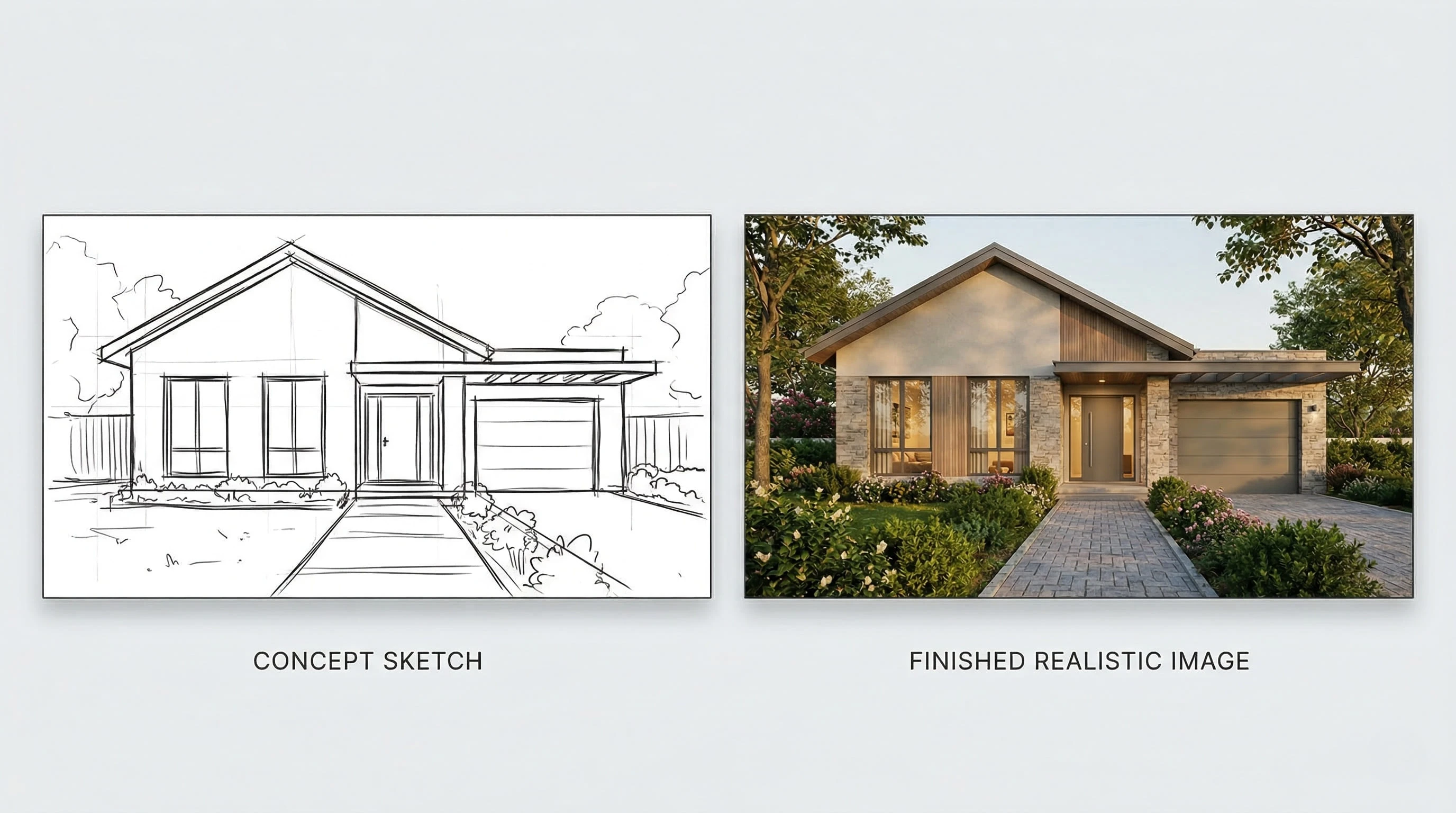
Transform this rough environment sketch into a finished scene with richer lighting, natural texture, color, and a more realistic atmosphere.
What Is Sketch to Image?
Sketch to Image is an AI image workflow that converts a rough sketch into a more complete visual by reading lines, shapes, and composition. The model uses the sketch as a structural guide, then applies color, texture, lighting, and detail based on your drawing and prompt.
With Img2.AI, this helps solve a common creative problem: early ideas are easy to sketch but harder to present. Instead of rebuilding a rough draft from scratch, you can turn it into a clearer and more usable image much faster.
What You Can Create with Sketch to Image
Concept Sketch to Finished Scene
A rough house sketch or environment draft can quickly become a complete image with richer lighting, natural texture, color, and a more realistic atmosphere.
Character Sketch to Illustration
A simple character outline can be turned into vivid artwork with cleaner forms, richer color, and stronger visual impact.
Product Draft to Visual Mockup
A basic product idea or shape sketch can become a more polished concept image, making early ideas easier to present, review, and refine.
Creative Doodle to Art Image
Even a loose doodle can become a striking image with the right prompt, turning a quick idea into something far more visual and expressive.
Concept Sketch to Finished Scene
A rough house sketch or environment draft can quickly become a complete image with richer lighting, natural texture, color, and a more realistic atmosphere.
Why Users Choose Sketch to Image
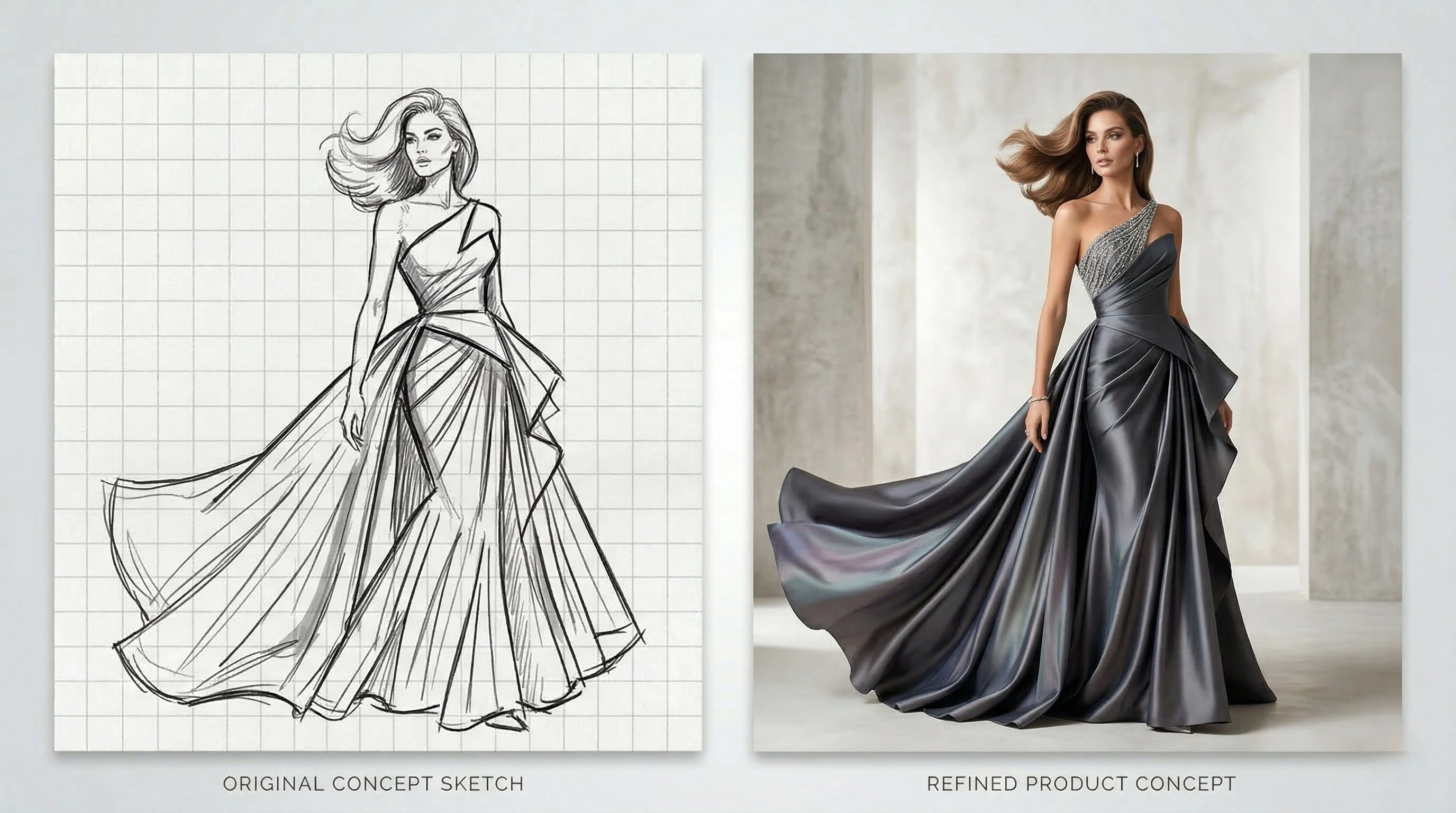
Turn Rough Ideas into Clear Visuals Fast
Go from a basic sketch to a polished image in seconds. This helps speed up design work, content creation, and early idea testing.
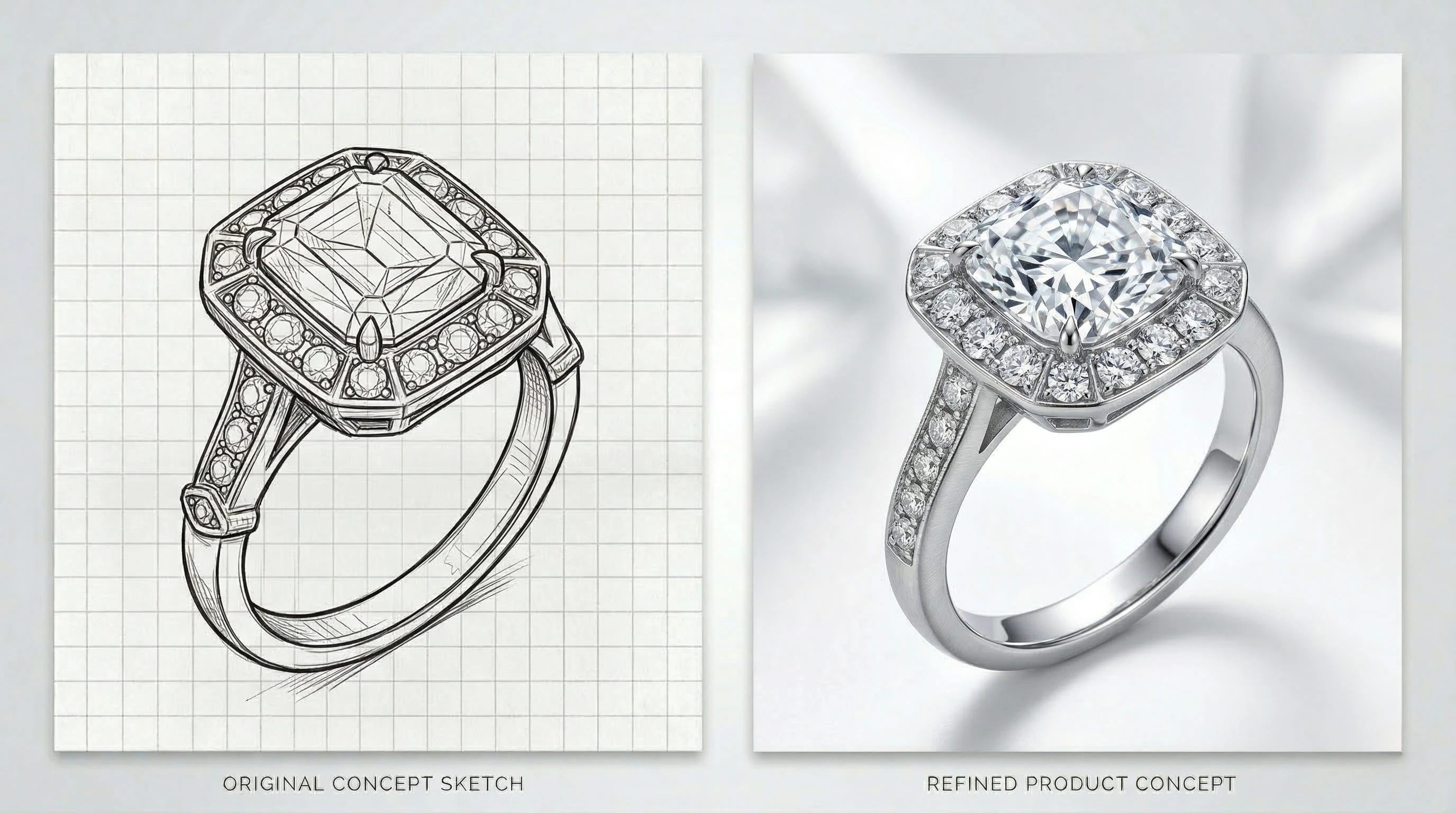
Keep the Original Structure While Adding Detail
The model understands sketch structure and adds depth, texture, shadows, and color while keeping the original form recognizable.
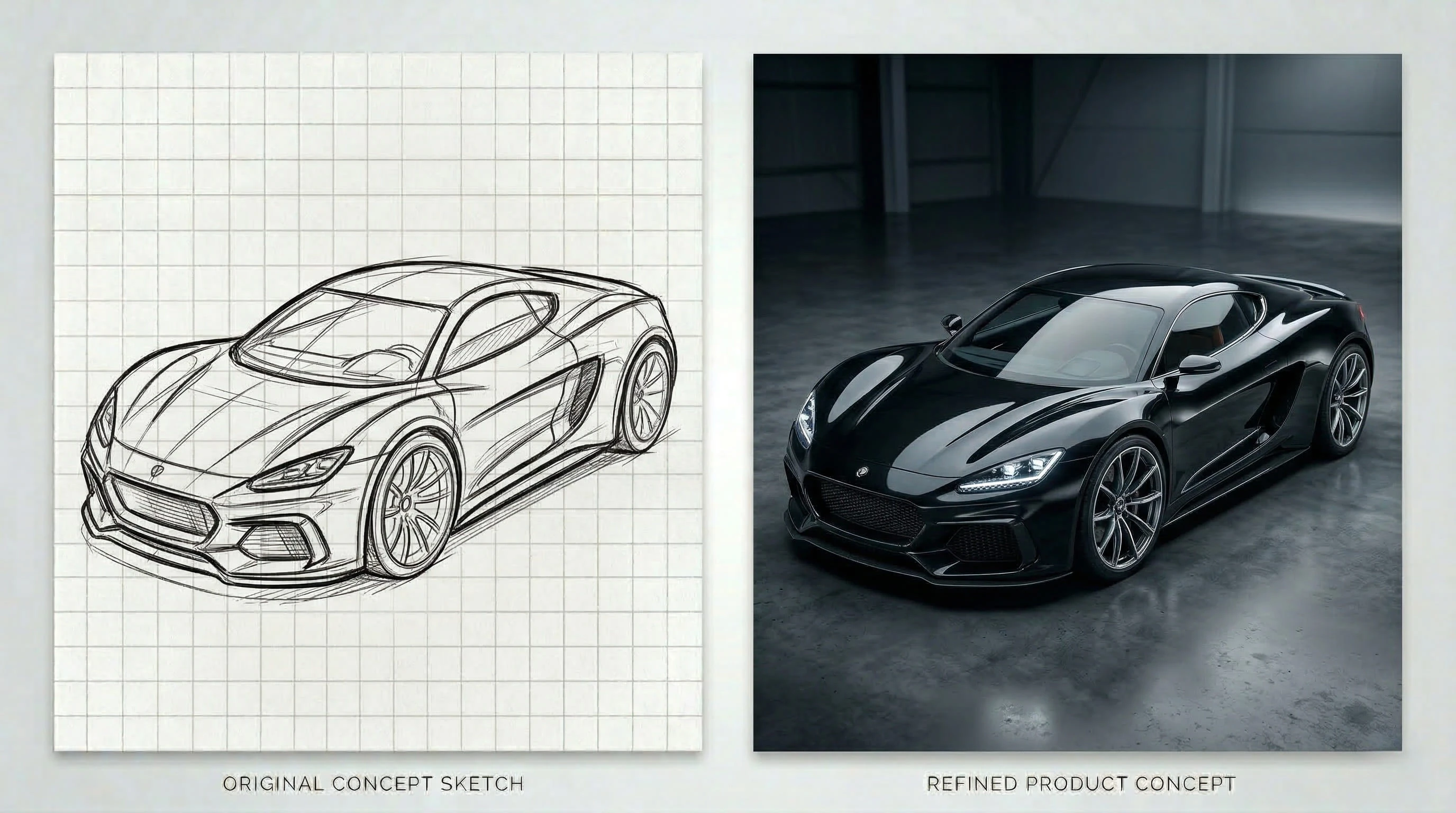
Explore Different Styles Without Redrawing
With Img2.AI, you can try realistic, artistic, or stylized outputs from the same sketch, making it easier to explore multiple visual directions.
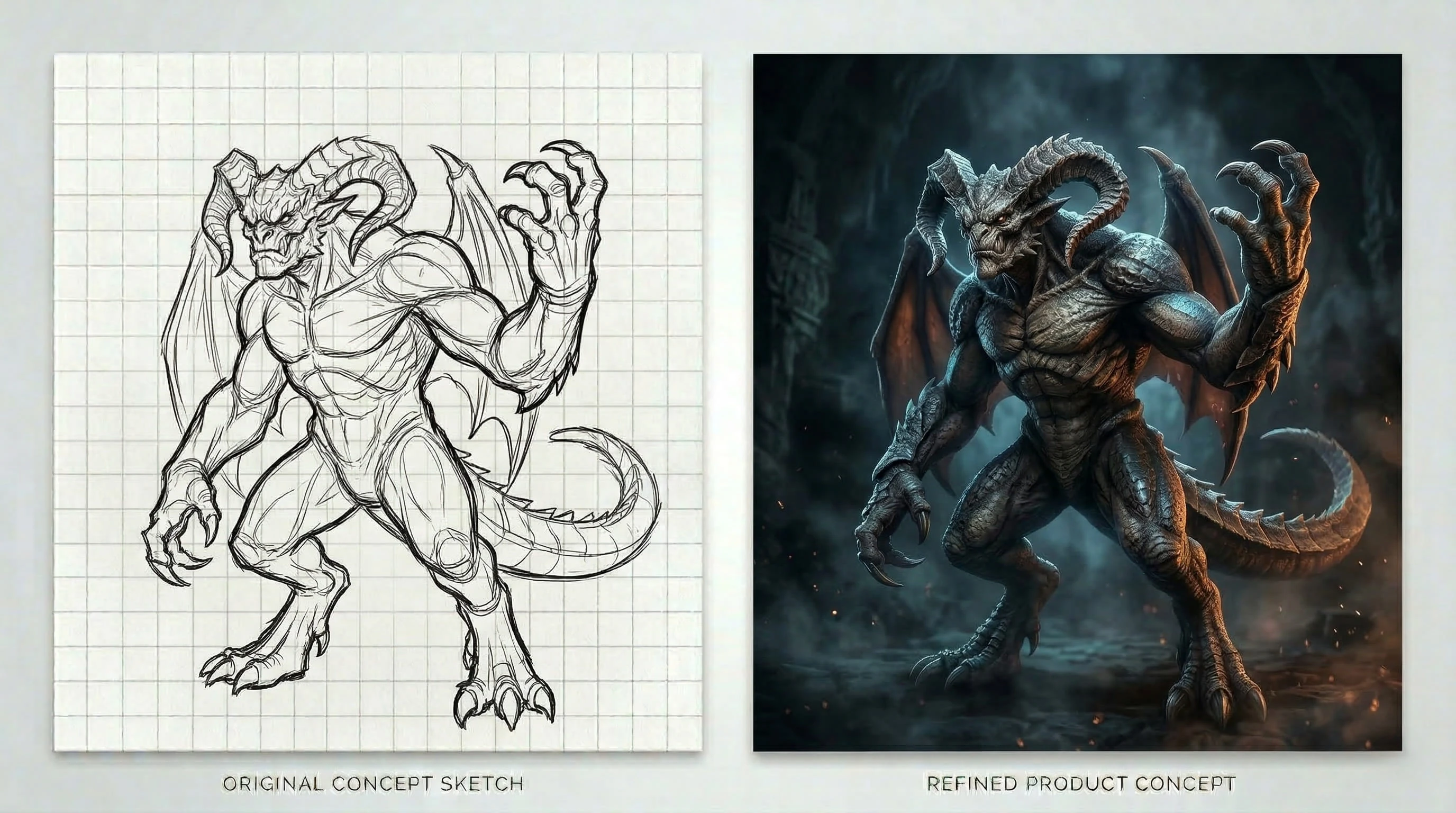
Guide the Result with Simple Prompts
A short text prompt helps shape the final look, giving you more control over mood, detail, style, and overall output.
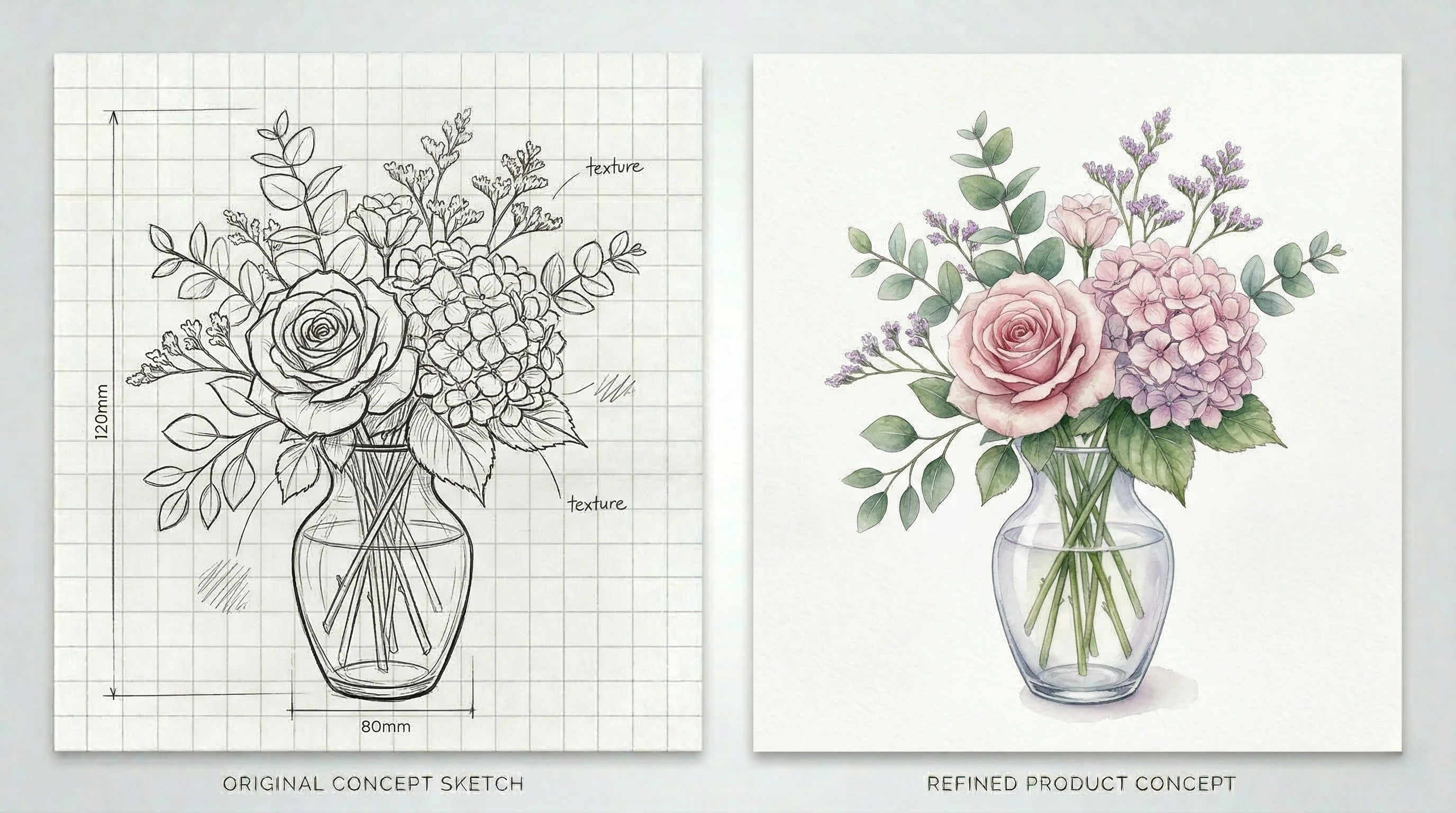
Get Presentation-Ready Images
The final images are clean, polished, and suitable for creative work, previews, presentations, and digital content.
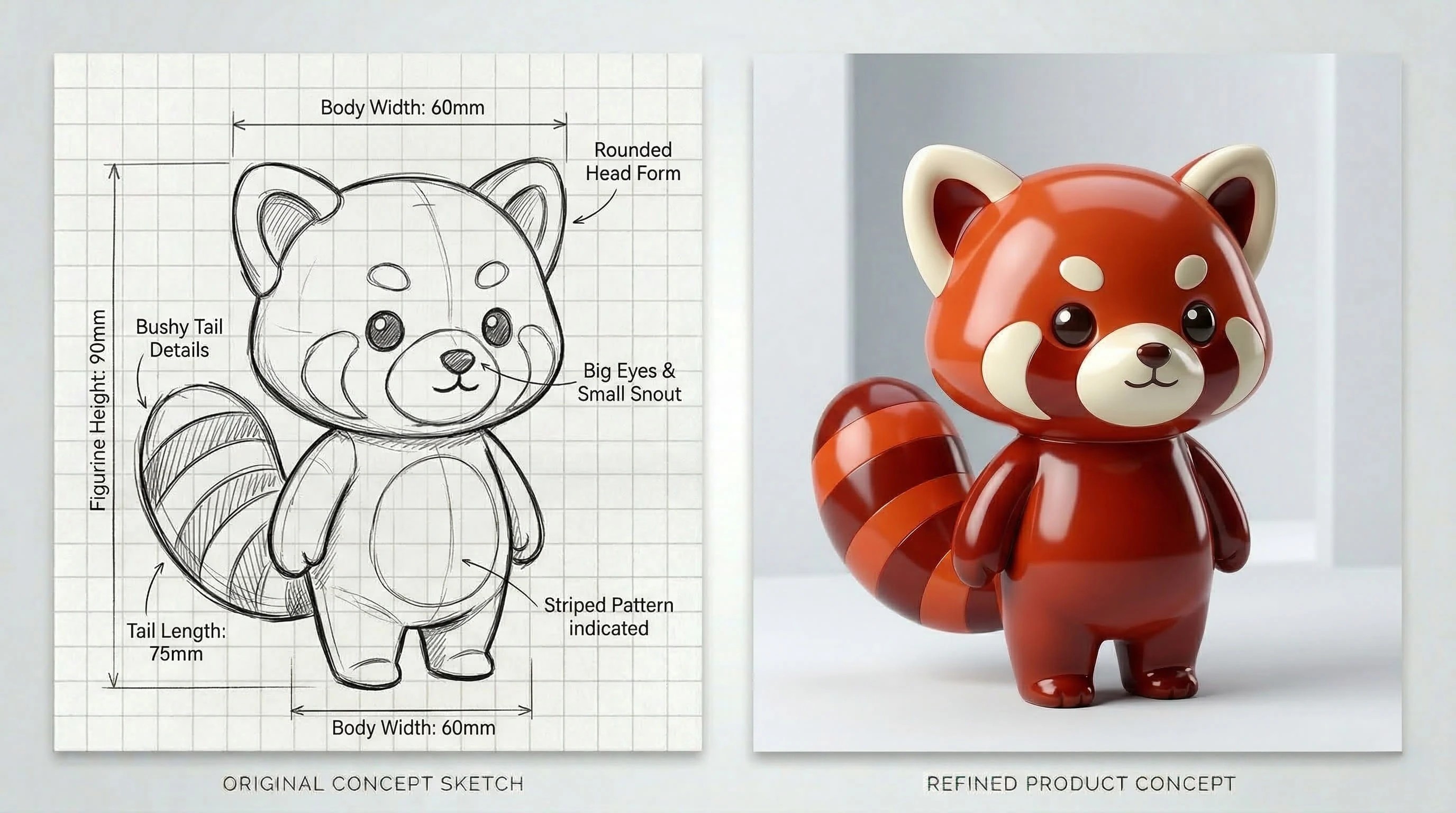
Easy to Use, Even for Beginners
You do not need advanced drawing or editing skills to get started. The workflow is simple, fast, and easy to learn.
How Does Sketch to Image Work?
Using Sketch to Image on Img2.AI is simple.
Upload Your Sketch
Start by uploading a hand-drawn sketch, rough outline, doodle, or concept draft.
Add Your Prompt or Style
Choose a preferred visual style or enter a short prompt to guide the final result. This helps the AI understand the mood, look, and details you want.
Generate the Image
Once your sketch and settings are ready, click generate. The model analyzes the lines, keeps the main composition, and turns the input into a clean, detailed image.
Refine If Needed
You can adjust the prompt, try a different style, or regenerate the result until it better matches your idea.