GPT Image 2.6: Fast Drafts with Flare, Fine Detail with Sunburst
Create with GPT Image 2.6 right here on img2.ai. Flare can return an image in as little as six seconds, according to OpenAI, so you can test ideas quickly. Sunburst adds more detail and keeps results consistent from one edit to the next.
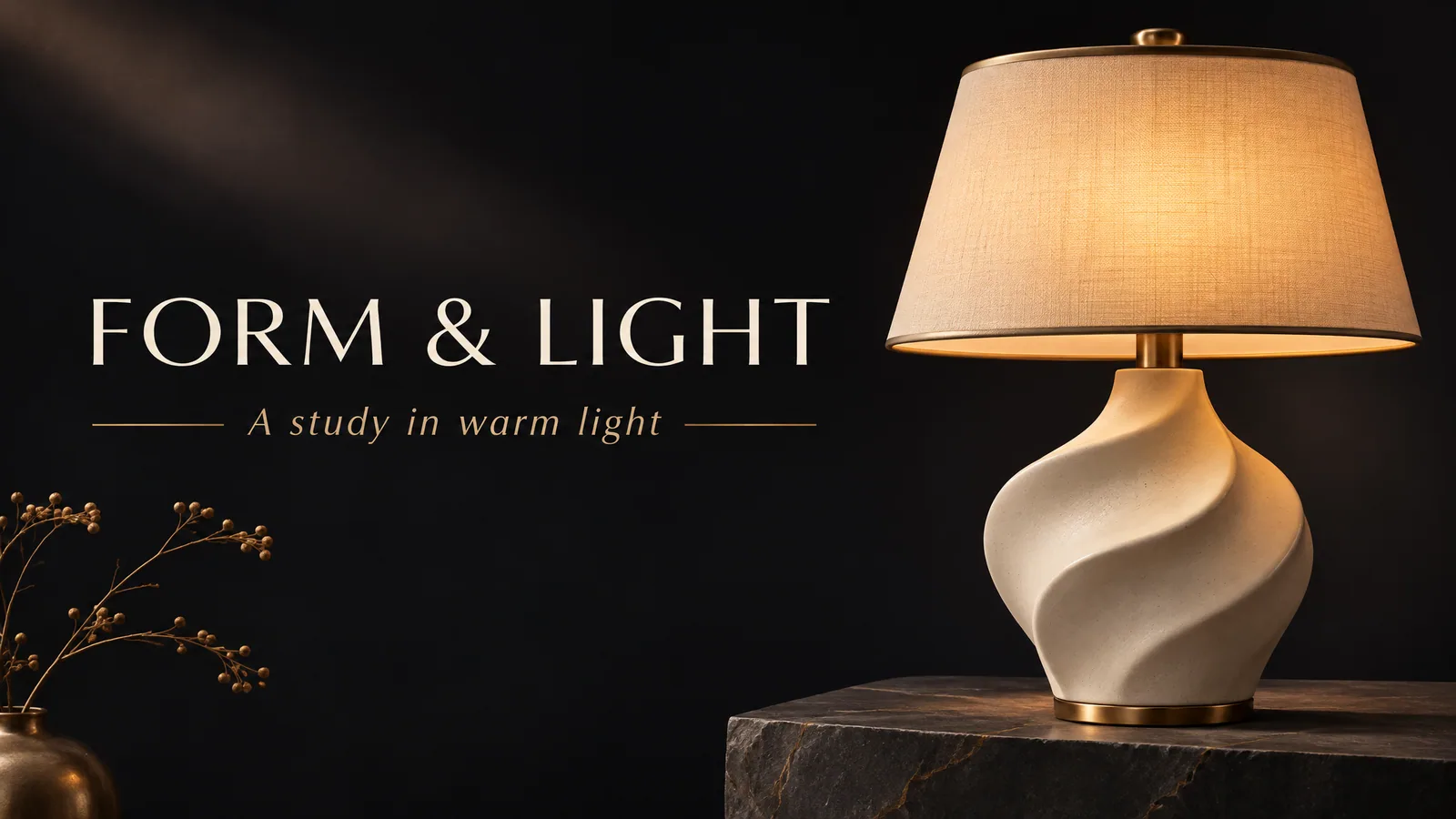

Create a premium square 1:1 advertising design concept. An unbranded sculptural cream sneaker floats above a warm bronze gold pedestal against a midnight ink black background. Bold large editorial headline across the upper left reads exactly "FRESH DROP". Strong readable letterforms, high contrast, soft studio shadows, tactile product photography, restrained gold accent lines and a spacious balanced layout. Show the entire shoe clearly. No logos, no real brands, no watermark, no price, no statistics, no people, no other text. Aspect ratio 1:1.
What's New in GPT Image 2.6
This update is less about a brand-new look and more about speed and control. Here is what is new in the model and how you can use it on img2.ai.
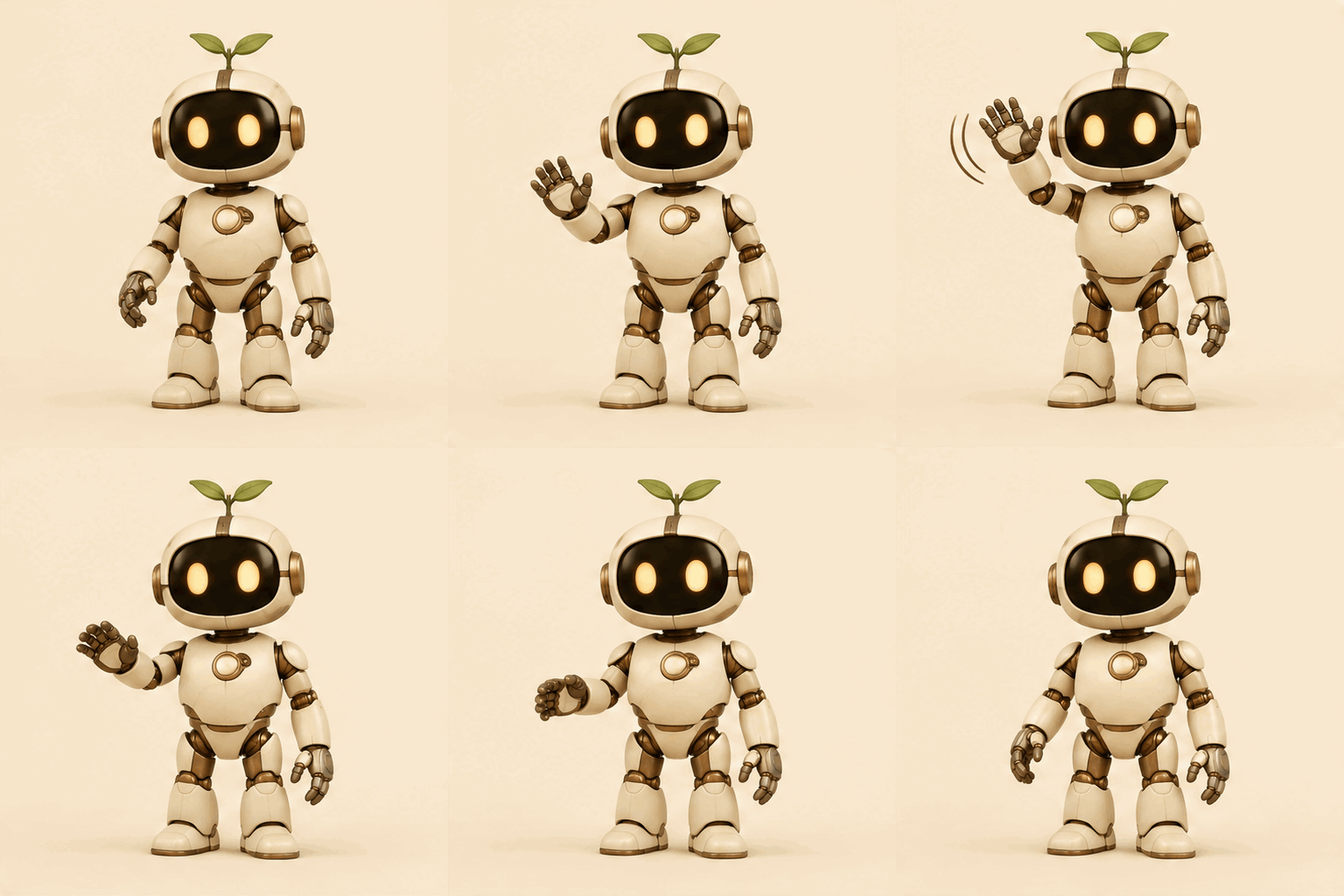
Animated GIFs
GPT Image 2.6 can turn a text prompt into an animated GIF. In Text to Image, pick Flare or Sunburst, set the output format to GIF, then choose how many frames to make and how fast each frame plays. You get a short loop that is ready to share.
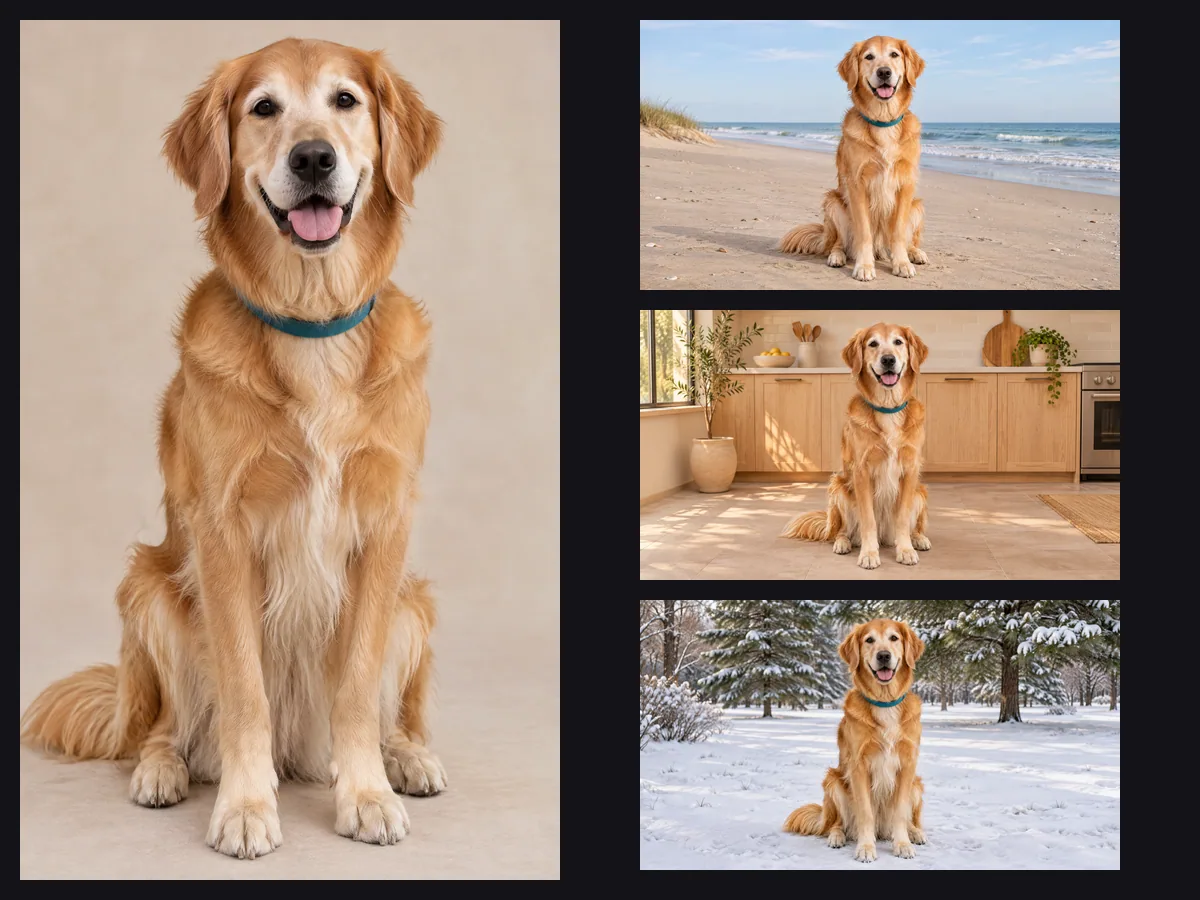
Reference Images
The model can build new images around a person, a pet or a character you already have. In Image to Image, upload up to 16 photos of the same subject, then describe the new scene. Clear photos from more than one angle help the model keep the subject recognizable.
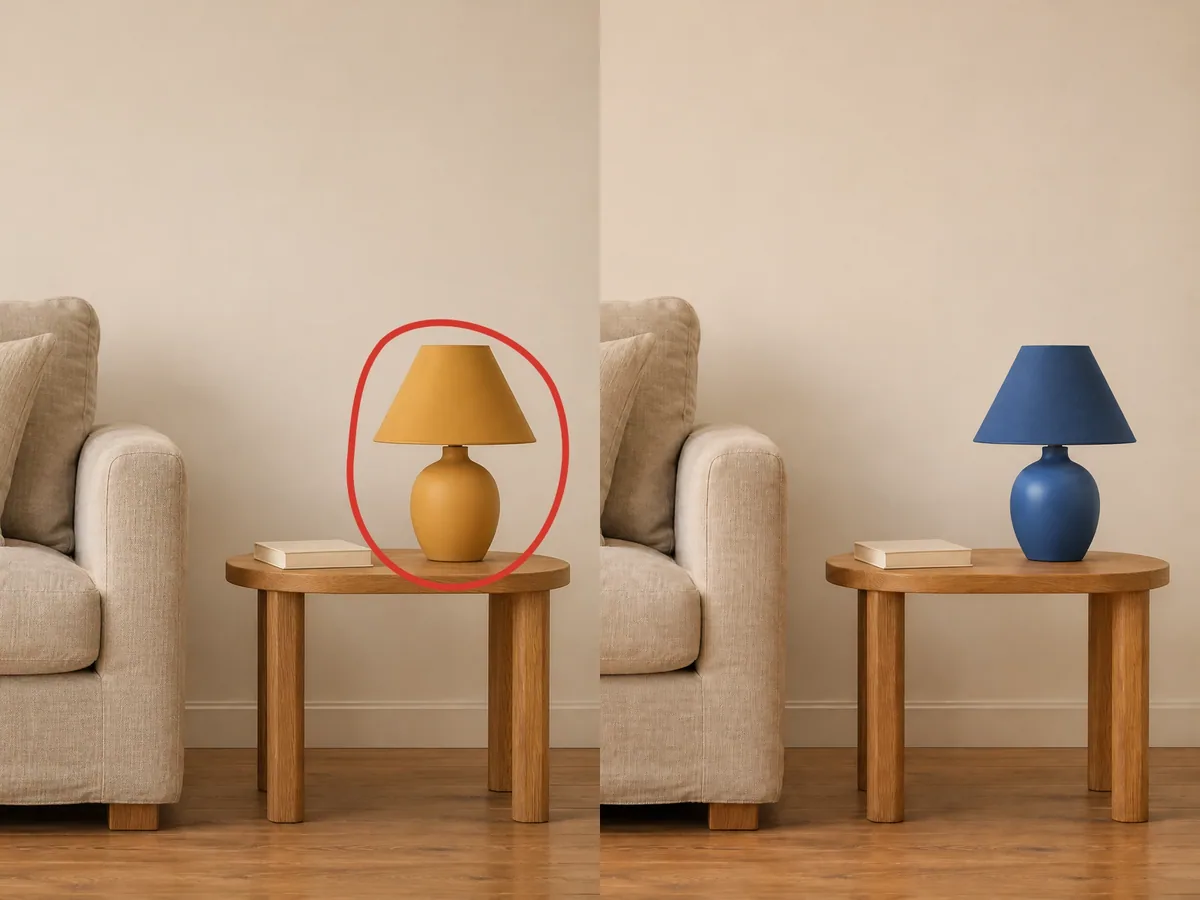
Markup-Guided Edits
You do not have to describe every change in words. In Image to Image, draw circles, arrows or short notes right on your photo to show the model what to change and where. Your drawing points the model to the right spot, which is often easier than explaining it in a prompt. The same drawing tool also works in Image to Image AI.
Faster Generation
The model is built to be quicker, with 50% faster image generation according to OpenAI. Flare is the fast version for drafts, so you can try several ideas in a row and keep the one you like before you move to Sunburst for the final image.
GPT Image 2.6 vs 2.5: What Changed
Both versions come as Flare and Sunburst, and both run in the same img2.ai generator, so switching takes one click. Here is how they compare. Looking for the earlier model? GPT Image 2 has its own page and generator.
| GPT Image 2.5 | GPT Image 2.6 | |
|---|---|---|
| Release date | September 2026 | November 4, 2026 |
| Flare | Fast, high-quality everyday images | Built for fast iteration |
| Sunburst | For edits where precision matters most | Detailed work, more consistent edits |
| Speed | — | 50% faster image generation (per OpenAI) |
| Animated GIF output | — | Yes, from text prompts |
| Draw on photo to guide edits | Yes | Yes |
| Reference images | Up to 16 | Up to 16 |
| Resolution | 1K, 2K, 4K | 1K, 2K, 4K |
| Aspect ratios | Auto + 12, including 21:9 and 27:16 | Auto + 15, from 3:1 to 1:3 |
| Transparent background | Yes | Yes, at 1K |
GPT Image 2.6 Examples Made on img2.ai
Every image below was made with GPT Image 2.6. Each card shows the prompt we used, so you can copy it and try it yourself.
Tips for Better Results with Flare and Sunburst
A few simple habits help you get good images faster.
Draft with Flare, Finish with Sunburst
Use Flare to test ideas quickly. When you like a direction, run the final prompt with Sunburst for more detail.
Add References to Keep a Subject Consistent
In Image to Image, upload clear photos of the same product or character from more than one angle. This gives the model more to work with when it places the subject in a new scene.
Put Exact Text in Quotes
When you need words inside the image, such as a headline or a label, write them in quotation marks and say where they should go. For posters and flyers, the AI Poster Generator gives you layouts made for that job.
GPT Image 2.6 FAQ
Here are short answers to the questions people ask most about the new model.
GPT Image 2.6 is the newest GPT Image model from OpenAI, released on November 4, 2026. It comes in two versions: Flare for fast drafts and Sunburst for detailed work. You can use both on img2.ai right now. Pick Flare or Sunburst in the generator at the top of this page. It uses the same credit balance as every other img2.ai tool.
Flare is built for speed and quick drafts. Sunburst is built for detailed work and keeps results more consistent from one edit to the next. Use Flare to explore ideas and Sunburst to finish them.
Yes. In Text to Image, pick Flare or Sunburst, set the output format to GIF, and choose the number of frames and the frame speed. GIFs are made from text prompts. For longer motion, you can turn an image into a short video clip with Image to Video AI.
It is the newer model, with 50% faster image generation according to OpenAI. Sunburst also keeps edits more consistent. No quality score comparing the two has been published, so try both: GPT Image 2.5 is still in the model menu.
Start Creating with GPT Image 2.6
Pick Flare or Sunburst, write a prompt and see what the new model can do. Every image runs on your img2.ai credit balance, and you can browse every other model in the AI image and video generator.